This is a setting controlled by the event host. If the project host has enabled partners to invite new users to organizations, you can follow these instructions to get them into the project. If the option is not available, you may reach out to the event host for additional permissions.
Inviting a Teammate
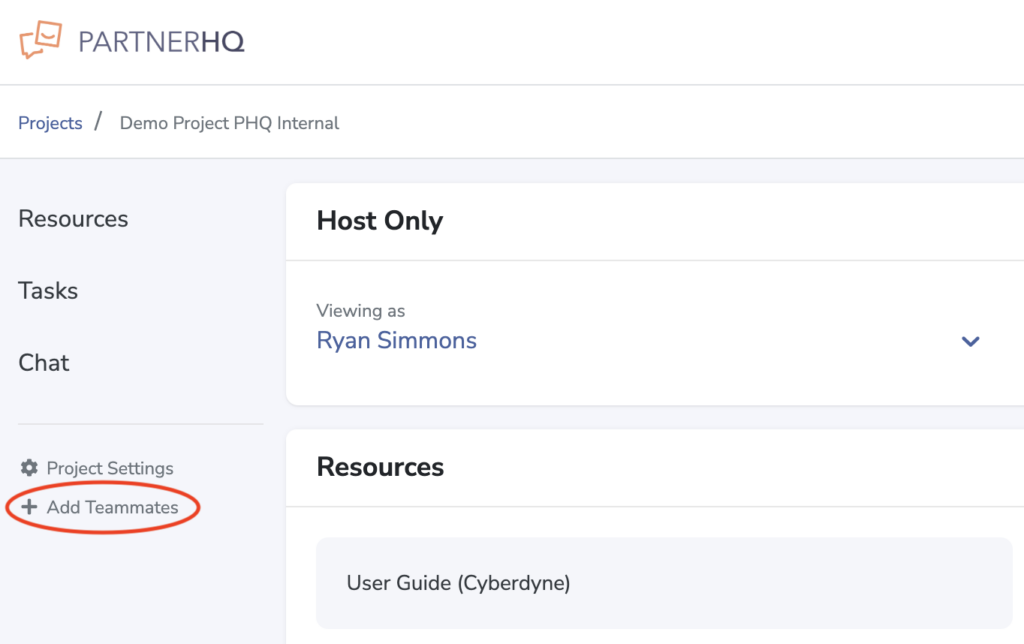
Once logged into a project, from your project dashboard , select “Add Teammates” in the left side navigation.
Next, click the add teammate button on the right side of the organization list.

What Happens After the Invitation
Fill in your teammate’s email address and click “Send Invitation.”
An invitation will be sent from hello@partnerhq.com with instructions on how to join the project and set up an account. Once they have accepted the invitation, they will automatically be included on future reminders and communications from the project.