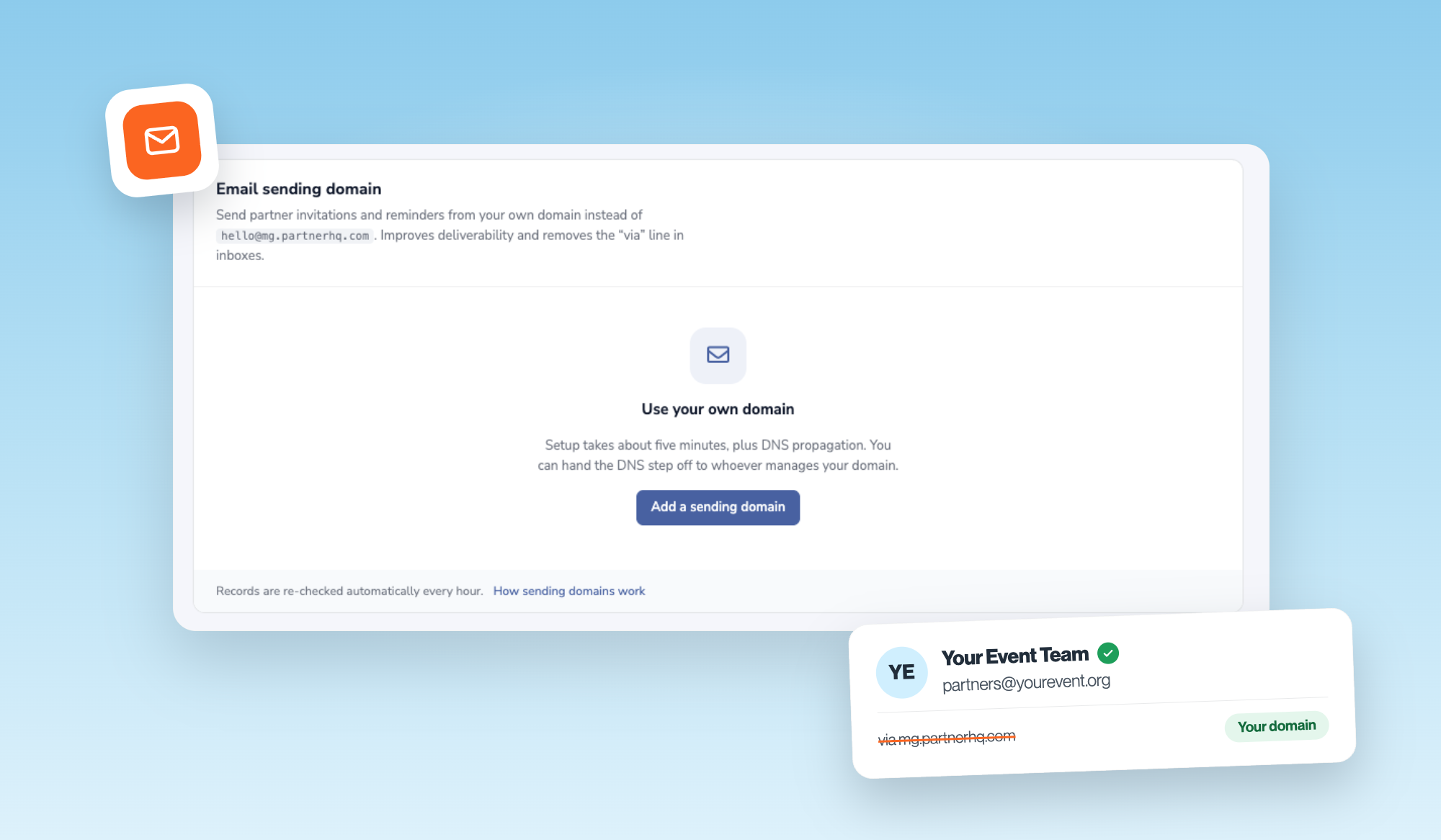
Partners should hear from you, not from your software.
Every invitation, reminder and update PartnerHQ sends for your project can now come from your own domain. No more “via partnerhq.com” in the inbox. Just your name, the one your sponsors already know and trust.
Why it matters
- More emails land. Sending from your own verified domain improves deliverability, so invites and deadline reminders reach the inbox instead of spam.
- Your brand, end to end. From the first invite to the final recap, partners see one consistent name. It looks like the professional operation it is.
- More replies, less chasing. People open email from names they recognize. That means quicker answers and fewer follow-ups.
Set up in about five minutes
Add a subdomain in Organization Settings and PartnerHQ gives you the DNS records. If someone else manages your DNS, click Send to IT. They get a simple page with every record, copy buttons, and a plain-English note that your existing email delivery won’t change.
Connect your domain under Organization Settings → Integrations. New to PartnerHQ? Book a demo.
Customers: setup details live in the What’s New drawer and the User Manual inside PartnerHQ.