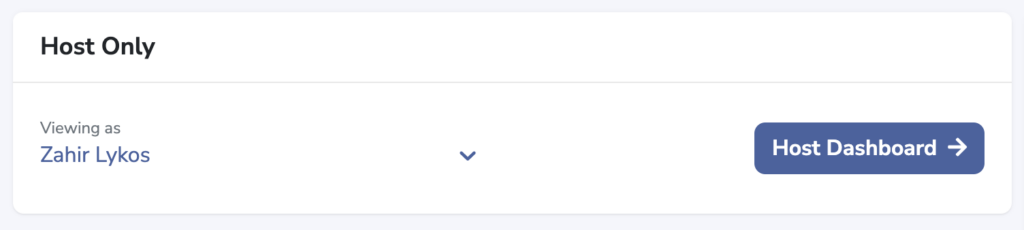
Hosts have the option to use the "view as" selector to masquerade as one of their partner's and take action when needed.
Using View-As to Complete on Behalf of a Partner
From the dropdown list of partners, select the user needing an update.
Your view will now be based on the tasks, resources, and discussion associated with that partner. Select and complete the needed task that was completed outside of PartnerHQ.
Following Up with the Partner
Switch back to your host view from the dashboard and use the chat option to send an update to the partner. This will help encourage them to use PartnerHQ for future tasks and provide a historical notes on changes.