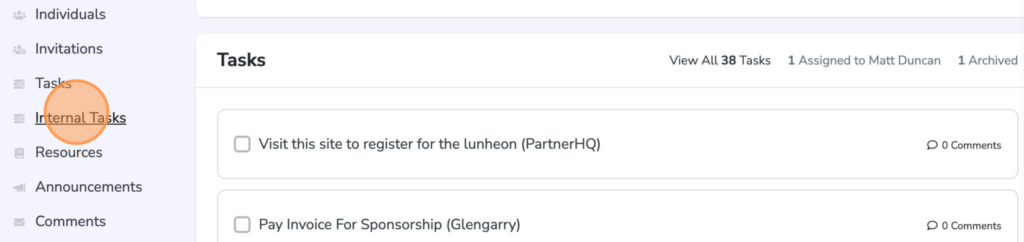
Internal tasks are available to host organizations to manage the assignment of tasks for their own team. These are a good option for ensuring follow up with partners, taking next steps for completed items, and staying on track. These are available in the Host Settings for users with that level of permissions.
To get started, click Internal Tasks in the Host Settings navigation menu.
Creating an Internal Task
To add your first internal task, click the Add Internal Task button in the top right corner of the interface.

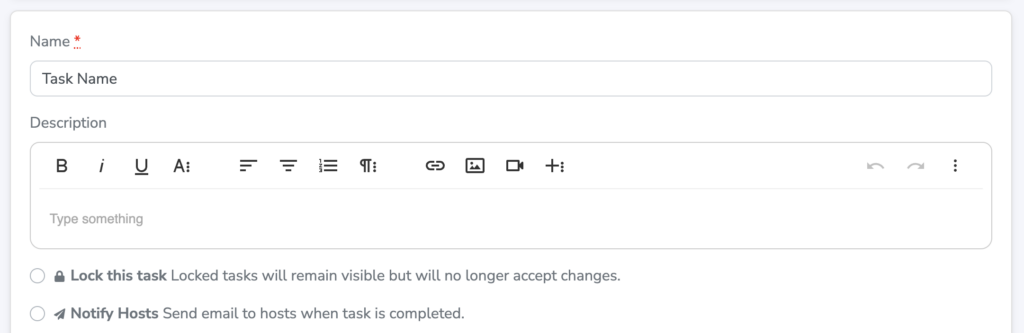
Internal Tasks function just like the standard task build out for partners. Add your desired internal task name, description and other details.
Triggering Internal Tasks from Partner Tasks
One unique feature for internal tasks is the ability to have them triggered by partner tasks. As an example, let's say your external partner has an assigned task for providing a PDF file. Once provided, your internal team needs to send that to get printed. To ensure that step happens, you can create an internal task that is assigned after the completion of your partner's task.

Once you've configured your internal task, click Save Task to complete.