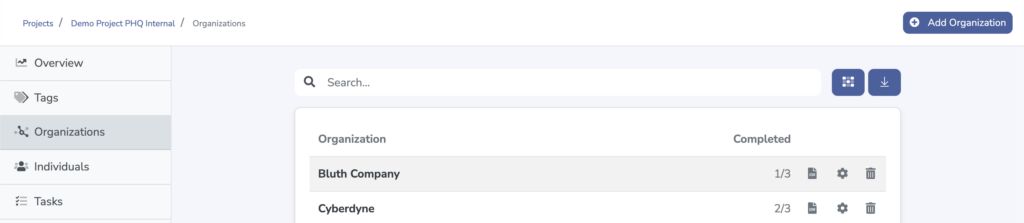
Hosts can access and manage uploaded files from across their projects under the Organization tab of the Host Dashboard.
Accessing the File Grid View
Once on the Organization tab, click the Grid icon just to the right of the search bar.
Uploading and Replacing Files
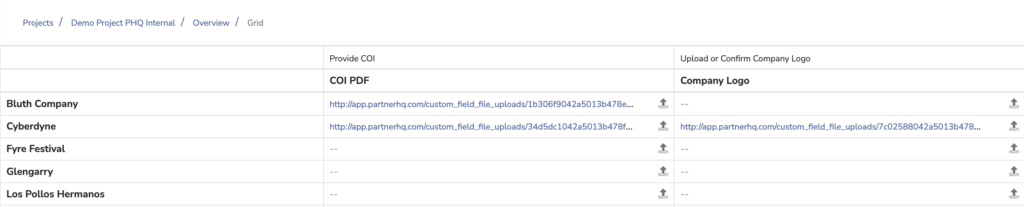
All tasks assigned to organizations with a file upload field will populate within a grid view.
From this view, hosts can access already uploaded files, upload and replace existing files, or upload files into tasks that are currently blank. This enables hosts to populate a starting point for organizations at the beginning of a project, or easily access one-off files as needed.