If you need to confirm if your partner has been sent a specific message, you can confirm all system generated communication within PartnerHQ.
Reviewing Comments
Comments and replies are all available within Host Settings > Comments. This section enables you to view comments, both sent and received, in a shared space in chronological order. Search for specific message content, an individual, or an organization to filter down the full list of comments.
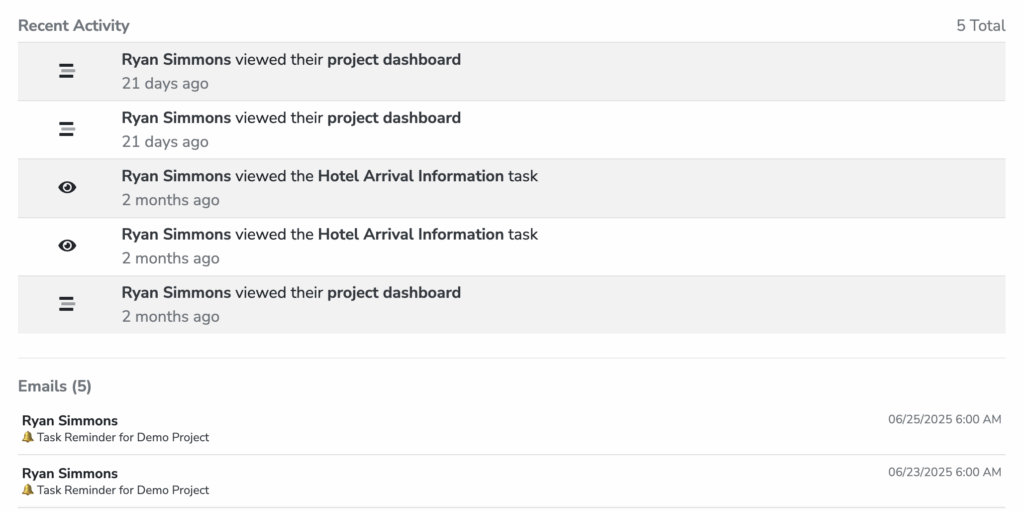
Checking Email Activity by Individual
Additionally, you can navigate to Host Settings > Individuals to confirm emails that have been sent to the individual and all of their activity within PartnerHQ.